Smart Home Without the Sprawl: Building a System You Can Maintain
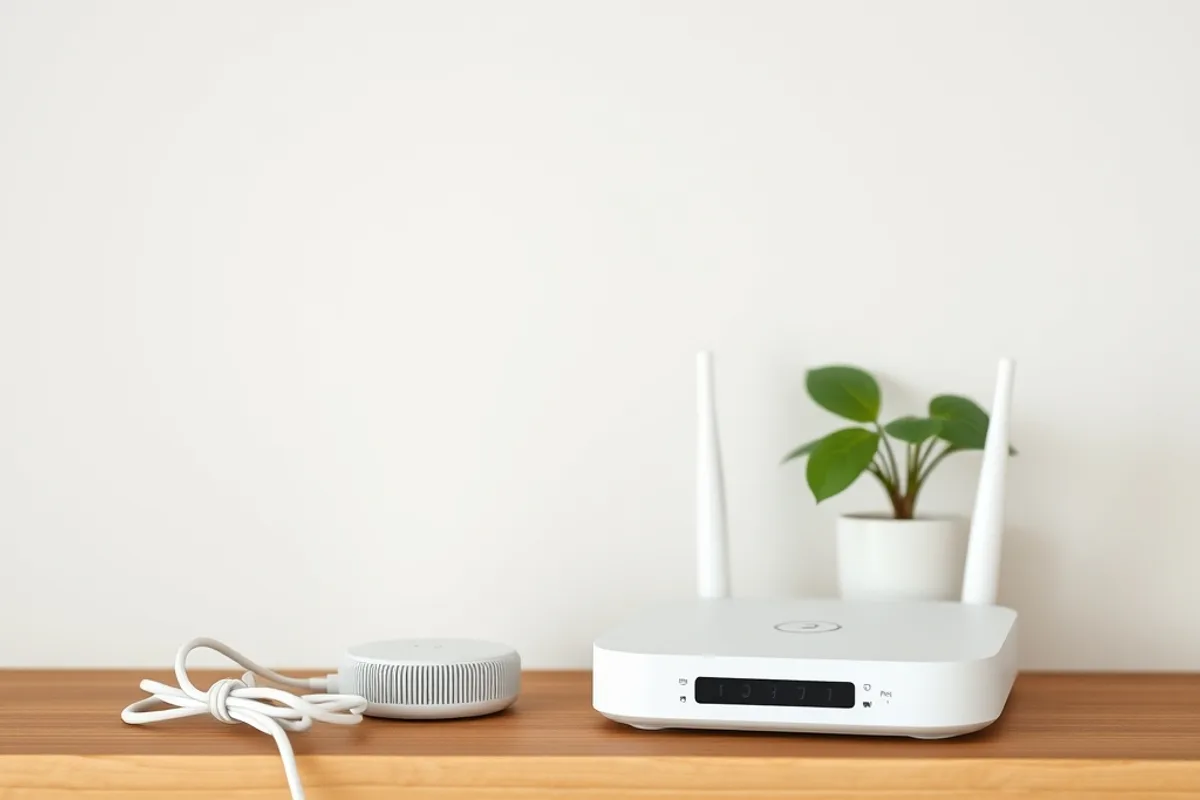
The failure mode of most smart homes is not a broken device. It is fifteen apps, three bridges and an automation nobody remembers writing. Start with the network and a short list of jobs.
A smart home is easy to start and hard to keep. The first device arrives as a convenience: a plug, a bulb, a camera. Within a year there are three apps, two bridges, a subscription and a routine that turns the hallway light on at sunset but not on Sundays. Nothing is broken, exactly. The system has simply become too complicated to trust.
The alternative is not technological austerity. It is a small amount of architecture: a hub that can talk to several protocols, a network that reaches everywhere, a preference for local control and a habit of naming and documenting what you build. That foundation supports a useful home for years without requiring you to become a system administrator.
Choose a hub and a protocol
The most important decision is not the brand of bulb. It is how devices talk to each other. The main household protocols are Zigbee, Z-Wave, Thread/Matter, Wi-Fi and Bluetooth. Each has trade-offs:
- Zigbee and Z-Wave form mesh networks, use little power and are well supported by hubs. They are reliable for sensors, switches and locks.
- Thread with Matter is the newer interoperable standard. It is promising and increasingly well supported, but device availability and feature parity still vary.
- Wi-Fi is convenient and needs no hub, but too many Wi-Fi devices can congest a home network and each vendor may require its own cloud.
- Bluetooth is fine for a single nearby device, less so for whole-home automation.
Pick a hub that supports more than one protocol and can run locally. A hub that depends entirely on a vendor cloud will stop working when the vendor changes terms or shuts down. Local processing also makes automations faster and keeps working when the internet does not.
Network first
Almost every smart home problem is a network problem in disguise. Devices drop offline, cameras stutter and automations fail because the Wi-Fi does not reach the back bedroom or the garden office. Before buying another gadget, fix coverage.
A practical approach:
- Map the house. Identify dead spots with a phone walk-around or a Wi-Fi survey app.
- Use wired backhaul where possible. A mesh system with Ethernet between nodes is far more stable than a purely wireless repeater chain.
- Separate concerns. Put IoT devices on a guest or dedicated network where the router supports it. This improves security and makes it easier to see what is connected.
- Reserve addresses. Give hubs, cameras and controllers fixed IP addresses so automations do not break when the router reassigns them.
- Keep the router firmware updated and replace aging hardware before it becomes the bottleneck.
Do not overlook power. A smart home with battery devices needs a plan for replacements, and a hub or router on a cheap power strip is a single point of failure. A small UPS for the router and hub is a sensible investment if automations matter to you.
Lights, heating and the useful automations
The automations worth having are usually boring. They remove a repeated action or prevent a predictable problem:
- Lighting: motion in hallways and utility rooms, sunset-based exterior lights, a reliable all-off scene at night.
- Heating: schedule changes based on occupancy, window-open detection that pauses heating, frost protection in unused rooms.
- Security: door and window sensors, smoke and water leak alerts, cameras that record locally where possible.
- Water: a leak sensor under the washing machine or boiler is one of the highest-value devices in the house.
Resist the temptation to automate everything at once. Add one automation, live with it for a week and check that it behaves on weekends, holidays and power cuts. An automation that surprises the household is worse than a manual switch.
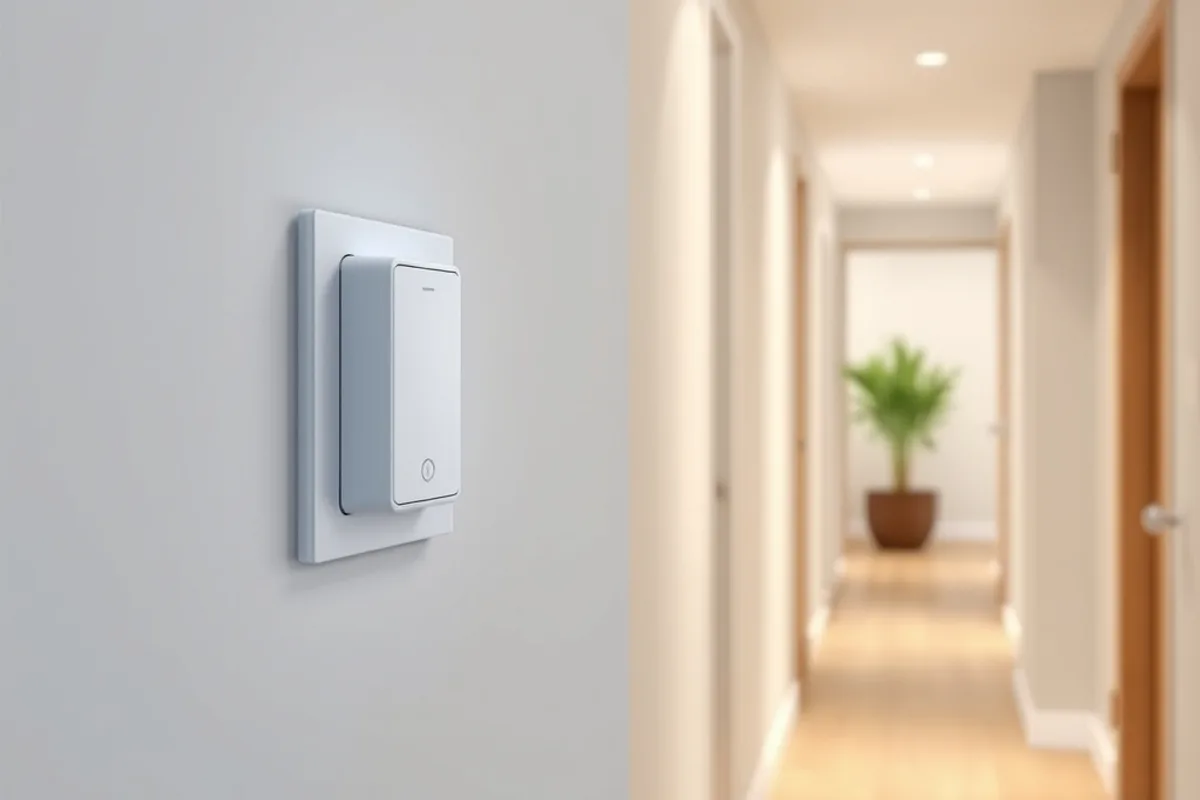
Physical controls still matter. Guests, children and emergency services should be able to turn on a light without an app. Keep wall switches functional and avoid putting every lamp behind a smart plug that can only be controlled by voice.
Privacy and local control
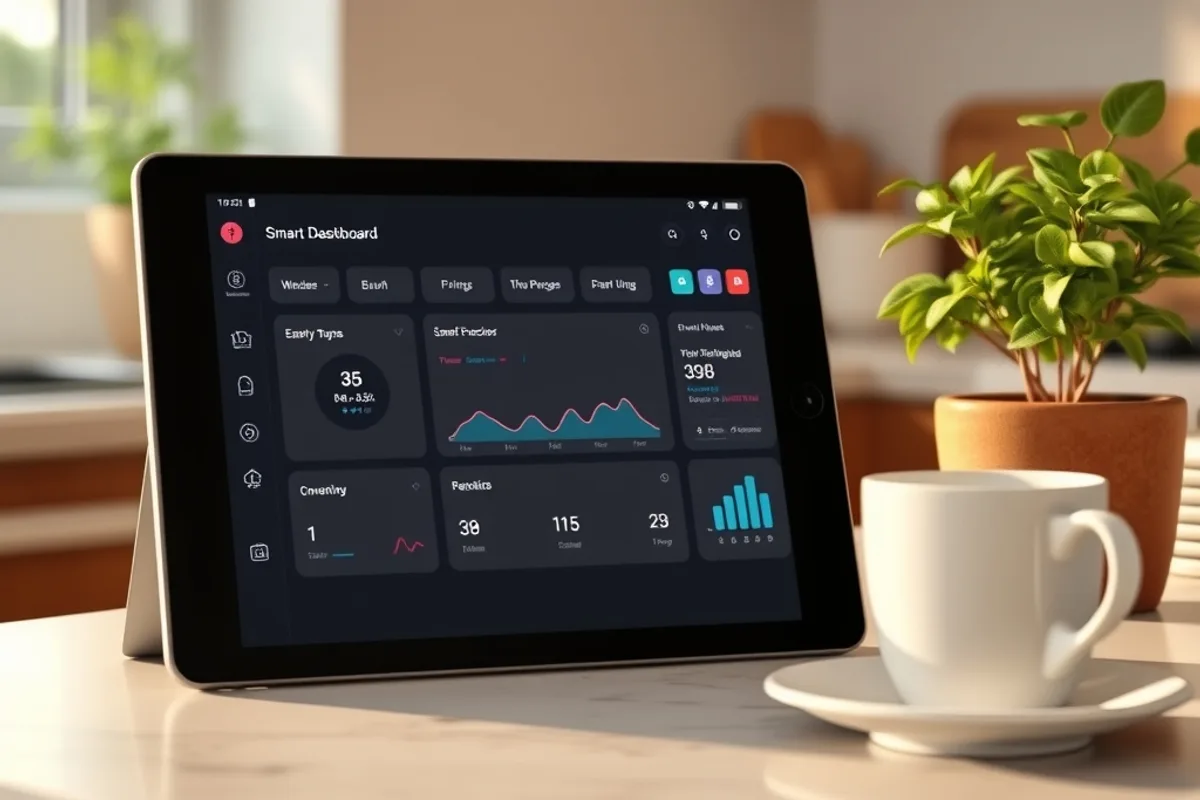
Every connected device is a small computer with a microphone, camera or sensor. Decide what data leaves the house and why. Cameras are the most sensitive: prefer local recording, encrypt storage and avoid pointing lenses at neighbours or public spaces.
Read the privacy terms for anything with a camera or microphone, and check whether the device works without an internet connection. A doorbell that cannot record when the cloud is down is a subscription, not a security system. Where possible, choose devices that support local APIs or standard integrations rather than a single vendor app.
Account hygiene matters too. Use unique passwords, enable two-factor authentication on the hub and router, and remove devices and users you no longer need. A smart home is part of your network attack surface, even if it feels like furniture.
Naming, updates and maintenance
Give every device a clear name that includes its room and function: "Hallway motion", "Kitchen leak sensor", "Back door lock". Avoid default names and cryptic IDs. When something fails at midnight, the name is the difference between a quick fix and a hunt.
Keep a simple inventory: device, location, protocol, hub, purchase date, battery type and notes. A spreadsheet is enough. It helps when you sell the house, replace a device or hand the system to a family member.
Update firmware on a schedule, not constantly. Read release notes for hubs and routers, and avoid updating everything the night before a trip. Keep spare batteries for sensors and a couple of spare bulbs or plugs for quick swaps.
The bottom line
A maintainable smart home starts with a hub that supports several protocols, a network that reaches every corner, and a deliberate choice to keep critical functions local. Then add a small number of automations that solve real, repeated problems, name everything clearly and keep a simple inventory. The goal is not a house that impresses visitors. It is a house that works on an ordinary Tuesday.